
If you pay a flat monthly price for Claude, the obvious question is whether it is a good deal. A flat plan hides the number that answers it: what the same work would have cost at pay-as-you-go prices. So we built a page that prints it out for you, line by line, like a receipt.
What is on the receipt
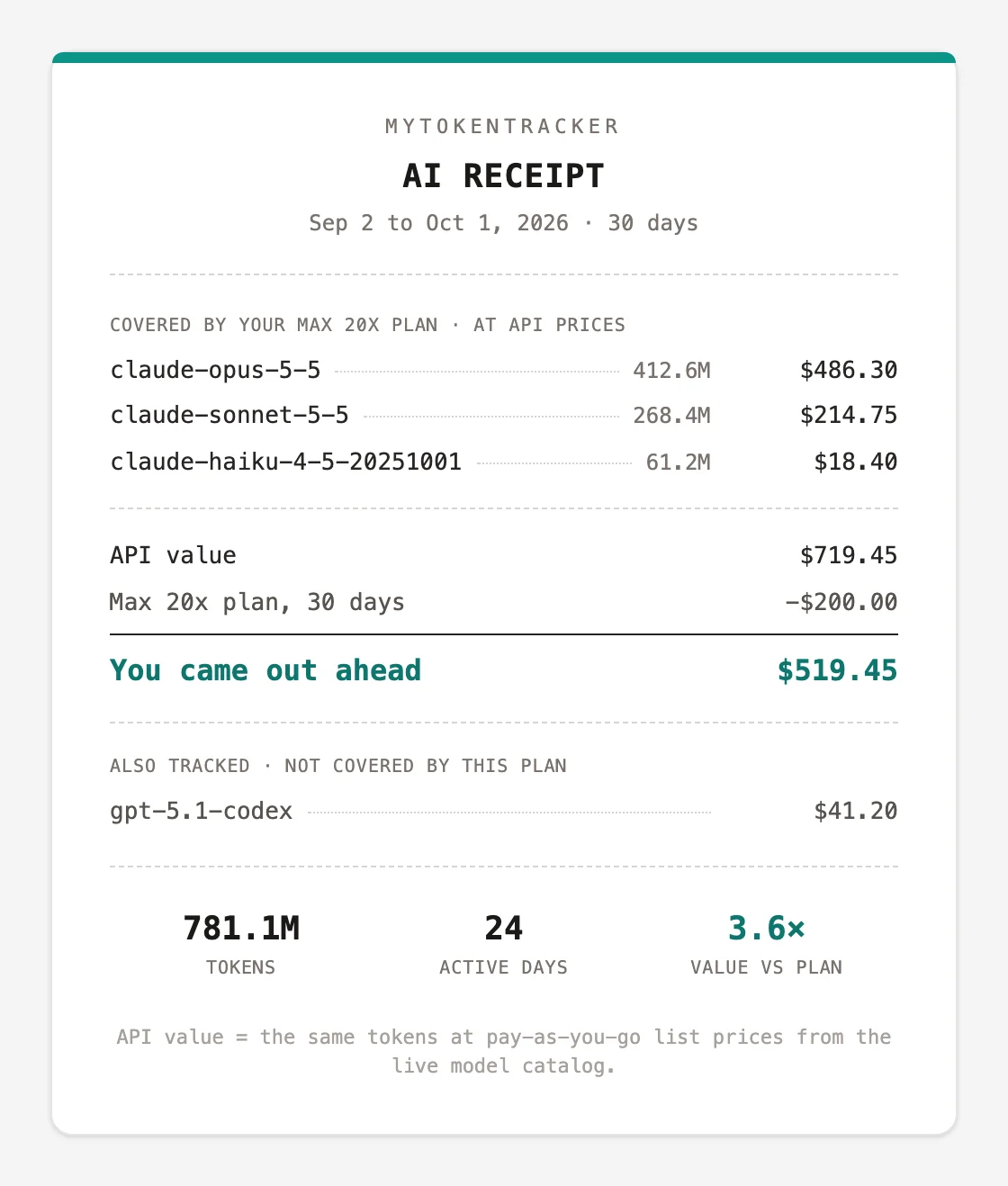
- One line per model. Each model your plan covers, with its tokens and what those tokens would cost at the provider's list price, taken from our live model catalog.
- The plan line. Your plan's monthly price, prorated to the period you are looking at, subtracted from the API value.
- The bottom line. Either "You came out ahead" with the difference, or "Plan cost more than usage" if you paid for more than you used. Both answers are useful, and the second one is the one that saves you money.
- The multiple. API value divided by plan cost. In the sample above, the plan returned 3.6 times its price.
Why other agents are listed separately
A lot of us run more than one agent. If you use Codex alongside Claude Code, that usage is real, but your Claude plan did not pay for it. Counting it toward the multiple would flatter the plan. So the receipt only counts usage from your plan's provider, and lists everything else under "Also tracked, not covered by this plan". The number at the bottom stays honest.
Pick a period
The receipt covers the last 7, 30 or 90 days. Thirty is the natural one to compare against a monthly bill. Seven is good for checking a heavy week. Ninety smooths out the quiet weeks and the crunch weeks.
One thing to know: Claude Code deletes its own local logs after about 30 days by default. The receipt can only show what has been synced, so the longer you stay connected, the further back it can see.
Share it, if you want to
Every receipt comes with a share card you can download as an image and post wherever you like:
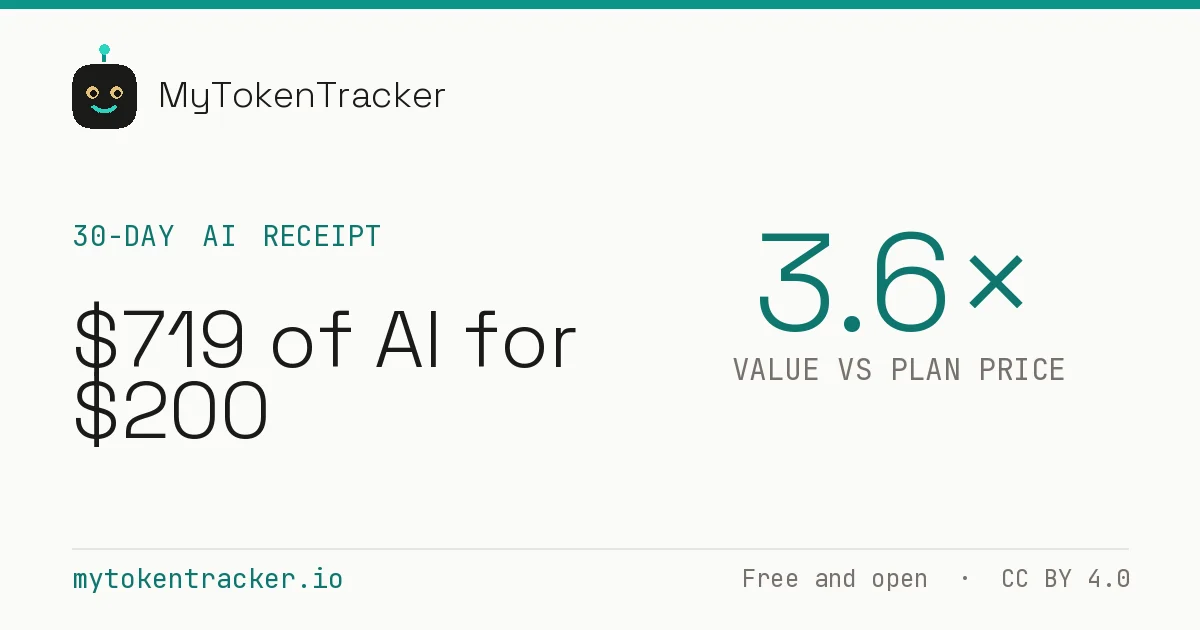
You can also turn on a public link. Anyone with it sees the receipt and your first name. The same switch turns on your public digest, which shows per-project and per-model totals, so you can see exactly what you are sharing before you send it. Public receipts are not indexed by search engines, and you can turn the link off again at any time.
What it does not see
Only token counts, models and dates are used. MyTokenTracker never uploads your prompts, your code or your file names, so the receipt is built from numbers, not from your work.
Get your own
- Run
npx mytokentrackerto see your usage at API prices locally, with no account. - Run
npx mytokentracker initto connect an account and keep syncing in the background. - Set your plan in Settings, then open your receipt.
MyTokenTracker is free, with no paid plans. Get started.